Quick takeaways
|
Most people type “professional headshot, business attire, studio background” into ChatGPT or Gemini and call it a day. Then they stare at the result wondering why it looks like a stock photo that’s slightly melting at the edges.
It’s not the tool. Gemini and ChatGPT are both genuinely good at this now. The problem is almost always the prompt itself. A vague request gives the model nothing to work with, so it fills in the blanks with whatever’s statistically average, which is exactly why so many AI headshots have that same flat, generic look.
Below are 37 prompts you can copy straight into ChatGPT, Gemini, or Midjourney, organized so you’re not just scrolling through a wall of text looking for the one that fits your industry. But first, a quick word on why some of these work so much better than others.
The five things every good headshot prompt needs
Before you copy anything, it helps to know what you’re actually copying. Every prompt below follows the same underlying shape, and once it clicks, you can write your own variations in seconds instead of hunting through lists.
Think of it the way a real photographer would approach a shoot. They’re not just pointing a camera and hoping. They’re making five decisions before they ever press the shutter: who’s in the frame, what they look like emotionally, what they’re wearing, what’s behind them, and how the light hits their face. Your prompt needs to make those same five decisions instead of leaving them up to chance.
- Subject and identity. Age range, hair, build. “A woman in her early thirties with shoulder length dark hair” gives the model an actual anchor instead of a blank slate.
- Expression and energy. “Confident slight smile, warm eye contact” beats “smiling” by a mile. Vague expressions tend to produce that stiff, plastered-on AI smile everyone’s learned to spot.
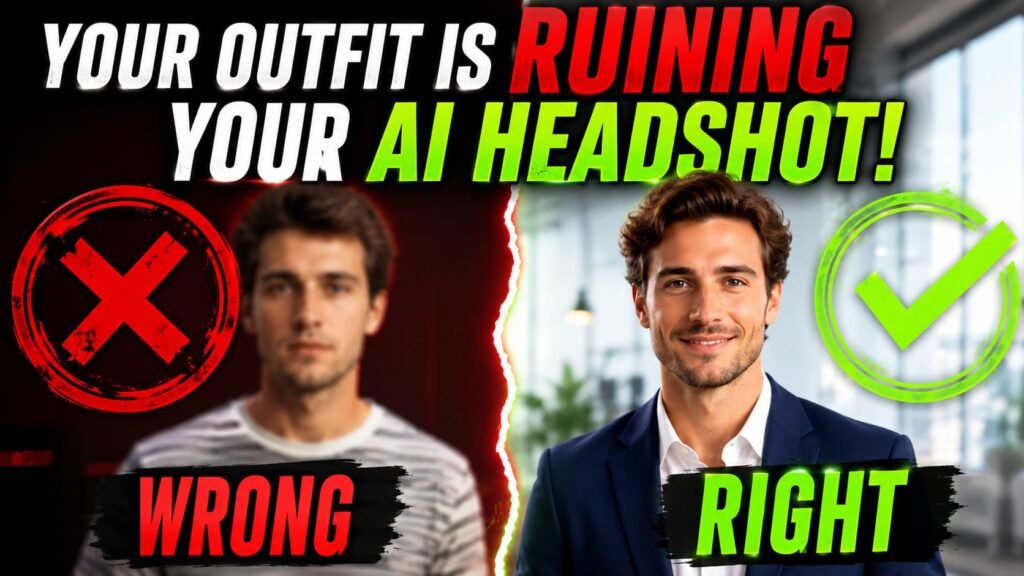
- Wardrobe with texture. Don’t just say “business attire.” Say “charcoal blazer over a cream silk blouse.” Fabric words matter because the model uses them to figure out how light should bounce off the material.
- Background with depth. “Soft blurred modern office” works because the word blurred specifically tells the model to apply a realistic depth of field instead of rendering everything in flat, equal focus.
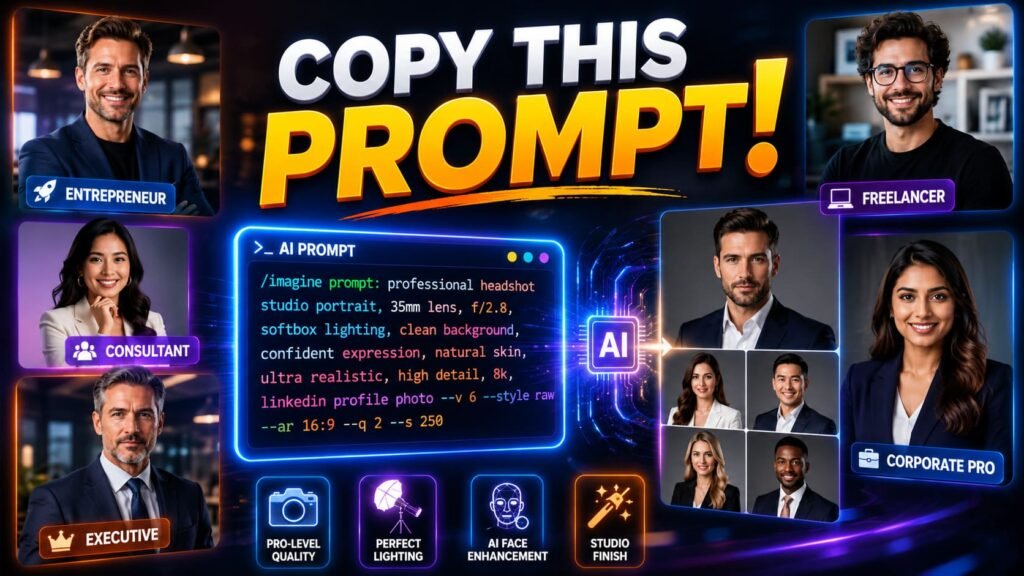
- Light and lens. This is the one almost nobody includes, and it’s the one that matters most. “Shot on an 85mm lens, soft key light from upper left, shallow depth of field” is the difference between a portrait and something that looks like a video game character.
💡 Pro tip Add the phrase “polished not plastic skin” to almost any headshot prompt. AI models love to smooth out skin texture until it looks like a wax figure. That one phrase fights back against it more reliably than anything else I’ve tested. |
You can read more about how to write AI image prompts that actually work if you want the full breakdown of prompt structure beyond just headshots. For now, here’s that five part formula applied to actual use cases.
General professional headshot prompts
These are your starting points. Use them as is, or swap the details to match yourself.
Professional headshot of a man in his early thirties with short dark hair, confident relaxed smile, charcoal navy blazer over a light blue shirt no tie, soft blurred modern office background, warm key light from upper left, subtle rim light, shot on an 85mm lens, shallow depth of field, sharp focus on eyes, photorealistic, polished not plastic skin.Professional headshot of a woman in her late twenties with long straight black hair, warm approachable smile, cream silk blouse, soft gradient gray background, even soft studio lighting from the front and slightly above, polished not plastic skin with visible texture, shot on an 85mm prime lens, shallow depth of field.Corporate headshot of a man in his mid forties, salt and pepper hair, calm confident expression, charcoal pinstripe suit with white shirt and burgundy tie, near black studio backdrop, dramatic soft key light from upper right with gentle shadow falloff, 85mm lens, sharp focus on eyes.Executive headshot of a woman in her fifties, sharp bob haircut, calm authoritative expression, structured black blazer, near black studio background, dramatic Rembrandt lighting with a small triangle of light under the eye, sharp eye focus, polished not plastic skin, 4K studio quality.What to wear matters more than people expect. Busy patterns like stripes or florals create visual noise that can confuse the model’s rendering. Heavy jewelry competes with your face for attention. And don’t ask for a three piece suit if you’re a graphic designer who actually wears hoodies to work. The outfit should match your real professional context, not some generic idea of “business.”
| Wear this | Skip this |
|---|---|
| Solid colors, blazers, simple necklines | Stripes, plaids, busy florals |
| Minimal jewelry that doesn’t catch light oddly | Large statement pieces or shiny accessories |
| Clothing that matches your actual job | A suit and tie if you’ve never worn one to work |
Prompts built specifically for linkedin
LinkedIn is where most people actually end up using these prompts, and it’s worth treating differently than a general headshot. Recruiters and connections see this photo cropped small, often as a thumbnail next to your name, so clarity at a small size matters more than artistic flair.
LinkedIn headshot of a woman in her late thirties with shoulder length wavy auburn hair, slight knowing smile, deep emerald structured blazer, warm off white background with soft blur, golden hour studio light from a window, shot on an 85mm lens, shallow depth of field, photorealistic skin texture.LinkedIn profile headshot of a man in his late twenties, short neat hair, friendly direct eye contact, navy quarter zip sweater over a collared shirt, soft blurred neutral background, bright even lighting, sharp focus on the face, polished not plastic skin.A search on Reddit threads about AI LinkedIn headshots turns up a pretty consistent theme. People aren’t asking whether AI headshots work. They’re asking how to avoid the obvious tells, things like overly symmetric faces, skin that looks airbrushed, or backgrounds that are clearly fake studio sets pasted behind a real face. The fix isn’t a different tool. It’s adding the realism language from the formula above, every single time.
Prompts for chatgpt, gemini, and midjourney
Not every tool handles these prompts the same way, and pretending otherwise wastes your time.
ChatGPT works well if you upload a reference photo first, then describe the changes you want rather than starting from nothing. Try something like this after uploading your photo:
Edit this image into a professional, high resolution headshot. Preserve the subject's exact facial structure and identity. Frame from the chest up with generous headroom. Confident, approachable expression. Soft studio lighting, neutral gray background, sharp focus on the eyes, polished not plastic skin.Gemini’s image model, the one everyone’s started calling Nano Banana, has actually been winning head to head comparisons against ChatGPT for this exact use case. In one direct test across three identical prompts, Gemini came out ahead in every round for keeping faces and proportions looking natural. If realism is your top priority and you only pick one free tool, start there.
Professional headshot, soft studio lighting from the upper left with gentle fill from the right, neutral background, confident warm expression, business attire matching a [your industry] context, shot on an 85mm lens, photorealistic, polished not plastic skin.📚 In plain English ChatGPT tends to follow your exact wording closely but can lose your real likeness. Gemini holds onto your actual face better but sometimes needs a few tries to nail the lighting. Neither is wrong, they just behave differently. |
Midjourney is a different animal entirely. It’s fantastic at creating polished, stylized portraits, but it’s noticeably weaker at preserving the likeness of a real uploaded face compared to Gemini or ChatGPT. If you want something that looks like a professional stock photo and exact likeness matters less, here’s a starting point. If your face needs to actually look like you, lean on Gemini or ChatGPT with a reference photo instead.
Professional corporate headshot, head and shoulders portrait, tailored blazer, neutral gray background, soft studio lighting, sharp focus on the eyes, natural skin texture, shot on an 85mm lens --ar 1:1If you’d rather compare the actual models behind these tools before picking one, the breakdown in our Gemini 3 versus ChatGPT versus Claude comparison covers how each one performs beyond just images, which is worth knowing if you’re already using one of them daily for other work.
Headshot prompts by industry
A real estate agent and a surgeon shouldn’t look the same in a headshot, even though most generic prompt lists treat them like they should. The lighting, the warmth in the expression, even the formality of the wardrobe all shift depending on what you do for a living.
Professional medical headshot of a female physician in her late thirties, hair tied back neatly, warm reassuring smile, white doctor coat over a soft blue shirt, soft blurred clinical background, even soft lighting, 85mm lens, photorealistic, sharp focus on eyes.Approachable headshot of a real estate agent, warm welcoming smile, business casual blazer, bright outdoor setting in front of a neighborhood street with heavy background blur, natural golden hour light, friendly engaging eye contact, sharp focus on the face.Lawyer headshot, neatly groomed, serious confident expression, charcoal suit with a deep tie color, dark wood paneled background slightly blurred, warm dramatic side lighting, 85mm lens, photorealistic.Startup founder headshot, casual but credible expression, smart casual shirt with sleeves rolled, soft blurred coworking space background with hints of exposed brick, warm window light, shallow depth of field, polished not plastic skin.Real estate is worth a special mention here, because it’s the one profession with an entire ecosystem of dedicated AI headshot tools built around it. That’s not an accident. Agents need dozens of variations for MLS listings, yard signs, and brokerage pages, and the warm, approachable tone matters more than corporate polish ever would.
Headshot prompts for women and men
Most generic lists just swap a pronoun and call it done, which misses the actual sticking points people run into.
For women, the recurring issue is over retouching. Models love to smooth skin until features start to blur together, so being explicit about texture helps a lot.
Professional headshot of a woman, warm confident expression, well fitted blazer in a color of your choice, soft natural hairstyle with visible strand detail, soft blurred neutral background, gentle directional light, polished but textured skin showing natural detail, 85mm lens, photorealistic.For men, facial hair and suit fit are usually the trickiest details to nail. Vague prompts often produce stubble that looks pasted on or a jacket that fits like a costume.
Professional headshot of a man with light stubble, well groomed, confident calm expression, well fitted suit jacket with visible fabric texture, soft blurred office background, even studio lighting, shot on an 85mm lens, sharp focus on eyes, photorealistic.What makes a prompt actually realistic | |||||
|
|
| |||
Why your headshot might still look fake
Even with a great prompt, the input photos you upload matter just as much. If you give the model a dozen selfies all taken from the same low angle in your kitchen at night, it learns one face under one light, and the “studio” version it spits out is just that same flat lighting badly transplanted onto a new background.
For the model to have enough to work with, vary your upload set. Different angles, different lighting, different days, different shirts. The more variety it sees of your actual face, the better it gets at separating “what you look like” from “what one bad photo of you looks like.”
From bad prompt to usable headshot | ||||||||
|
⚠️ Common mistake Asking the model to change your jawline, eye shape, or skin tone “to look better.” This is what makes results feel uncanny. Stick to lighting, wardrobe, and background changes, and let your actual face stay your actual face. |
Free options versus paid headshot generators
ChatGPT and Gemini cost nothing extra if you’re already paying for either subscription, and for a casual LinkedIn refresh, that’s often enough. But dedicated headshot generators that train a small model specifically on your uploaded photos usually nail likeness far more consistently, because they’ve already learned your specific face before you even write a prompt.
Think of it this way. A general AI image tool is a skilled photographer who’s never met you. A dedicated headshot tool is a photographer who’s shot you ten times already and knows exactly how you look from every angle. The prompt is the brief either way. Whether you need the second option depends on how much the exact likeness matters for your use case. A casual team page photo probably doesn’t need it. An executive bio photo on your company’s website probably does.
Common misconceptions about ai headshot prompts
Myth: a longer prompt always produces a better result. Length isn’t the goal, specificity is. A 15 word prompt that nails the lighting and wardrobe beats a 200 word prompt that’s vague about both. Cut anything that doesn’t describe a concrete visual detail.
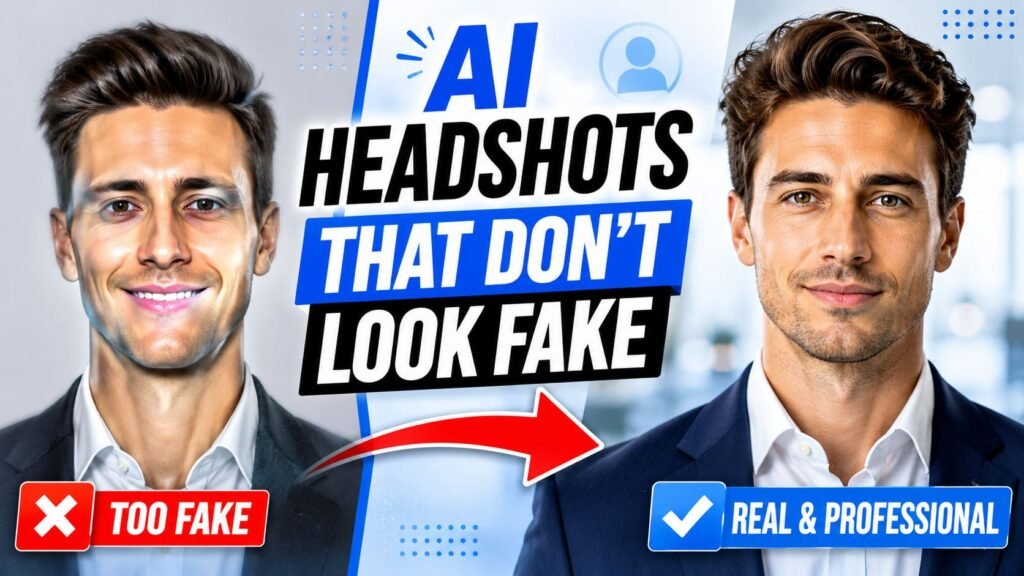
Myth: AI headshots will always look obviously fake. That was true a year or two ago. With the right prompt structure, especially the lens and skin texture language covered above, results from Gemini and ChatGPT now regularly pass as real photos at a glance.
Myth: you need to describe your face in detail for the AI to know what you look like. If you’re uploading a reference photo, the model already has your face. Over describing your own features in the prompt can actually confuse it. Focus your words on what’s changing, not on describing what’s already visible in the photo.
Myth: one prompt should work for every platform. A photo cropped tiny on a LinkedIn thumbnail needs different framing priorities than a large hero image on a personal website. Adjust headroom and framing based on where the photo will actually live.
Picking the right prompt for your situation
Start with the general prompts if you just need something solid for LinkedIn this week. Move to the industry specific versions if your profession has a particular visual language, like the warmth real estate photos need or the formality legal headshots call for. And if your first few attempts come out looking stiff or fake, go back to the five part formula and check which piece you skipped. It’s almost always the lighting and lens line that gets left out.
OpenAI’s own guidance on writing effective prompts covers the same core idea from a different angle, specificity and clear constraints beat clever wording almost every time, and that holds true whether you’re generating a headshot or asking a chatbot to draft an email. Run a few versions, change one variable at a time, and you’ll land on something usable faster than you’d expect.