Quick takeaways
|
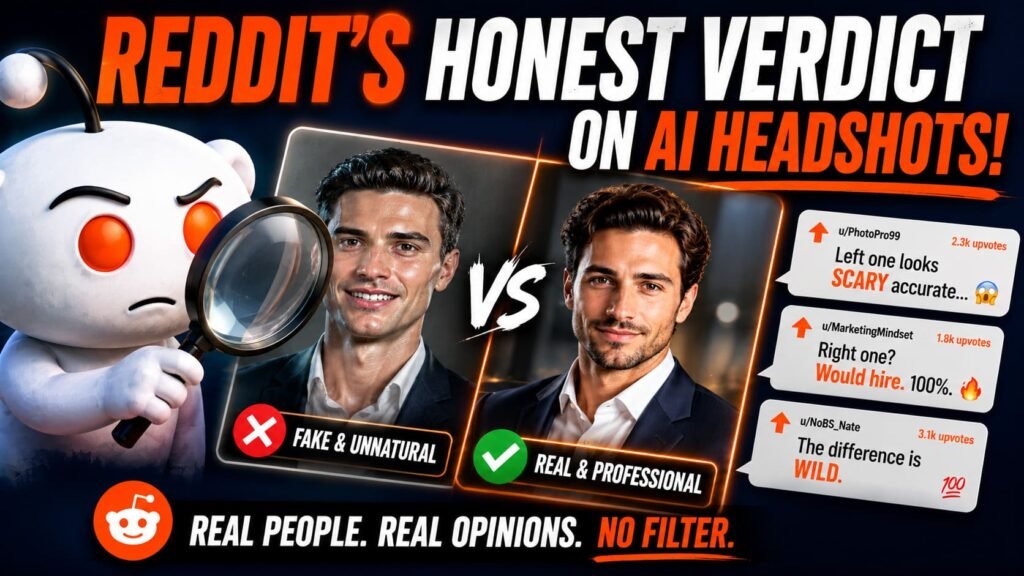
Search “AI headshot” on Reddit and you’ll find two camps almost immediately. One group posts results they’re genuinely happy with. The other posts screenshots of waxy, over smoothed faces with captions like “is it just me or does everyone’s AI headshot look the same.” Both groups are talking about the same tools. The difference almost always comes down to the prompt, not the technology.
Worth knowing before you generate your own: what people are actually complaining about, and why most of those complaints have a straightforward fix.
The most common complaint: skin that looks airbrushed
This one shows up more than anything else. People upload a photo, generate a headshot, and end up with skin so smooth it looks like a filter from a decade ago, the kind that erases every pore and turns a face into something closer to a video game character than a person.
It’s not a flaw in the AI models themselves. It’s what happens by default when a prompt doesn’t say anything about texture. The models tend to interpret “professional” and “polished” as license to smooth everything out, since that’s a common pattern in the training data they learned from. Add a specific instruction against it and the problem mostly disappears.
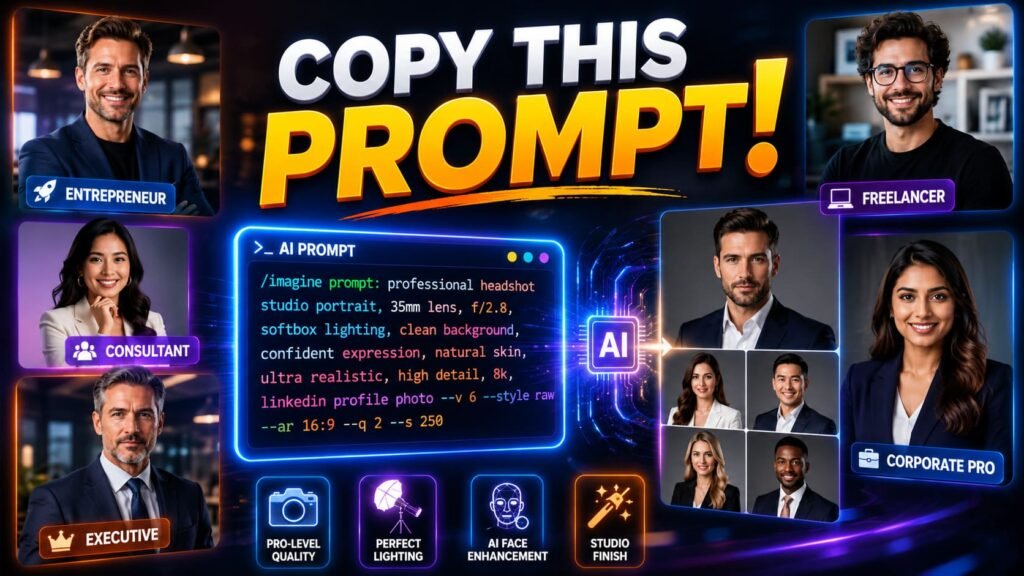
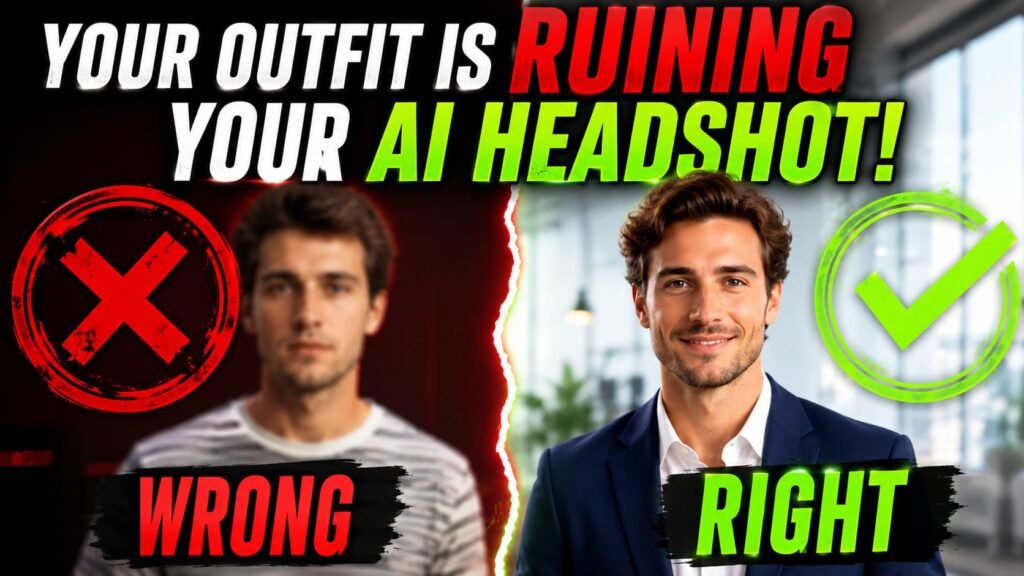
Professional headshot, polished but not plastic skin with visible natural texture, confident expression, navy blazer, soft blurred background, shot on an 85mm lens, photorealistic.📚 In plain English The phrase “polished not plastic skin” is doing real work here. It’s a direct counter to the model’s default tendency to smooth skin into something closer to a wax figure. |
The second complaint: backgrounds that look pasted on
Right behind skin texture, the most common thread is some version of “you can tell it’s fake because of the background.” Usually that means a studio backdrop with a hard, unnatural edge around the subject, like the person was cut out of one photo and dropped into another.
The fix is the same kind of missing instruction. Real cameras blur backgrounds based on depth. Without telling the model to do that, it often renders the background at the same sharpness as the face, which is the visual cue that makes the whole thing read as composited rather than photographed.
Professional headshot, soft blurred neutral office background with visible depth of field, confident expression, shot on an 85mm lens, shallow depth of field, photorealistic.What people complain about most | |||||
|
|
| |||
The third complaint: faces that look slightly too perfect
This one is harder to fix with a single phrase, but it’s worth understanding why it happens. AI models sometimes correct for asymmetry, the small natural imperfections everyone actually has, like a slightly higher eyebrow on one side or features that aren’t perfectly centered. The result can look strange in a way people struggle to name. It’s not that anything looks wrong exactly, it’s that it looks too right.
The most reliable fix isn’t a magic phrase, it’s the reference photos you upload. A wider variety of real photos, taken on different days under different lighting, gives the model more honest information about your actual face instead of one flattering angle it then “perfects” further.
What the positive threads have in common
Not every Reddit thread about AI headshots is a complaint. Plenty of people post results they’re genuinely happy with, and a pattern shows up consistently among those success stories: detailed prompts.
The people getting good results aren’t typing “professional headshot” and hoping. They’re specifying wardrobe fabric, naming a lens, describing the exact lighting they want. It’s the same five part structure covered in our guide to AI prompts for professional headshots, applied consistently instead of skipped. The tool isn’t the variable separating good results from bad ones. The prompt is.
⚠️ Common mistake Blaming the tool after one bad attempt with a vague, three word prompt. Most of the disappointing results people post online trace back to a prompt that left out texture, lighting, or background instructions entirely. |
Is the skepticism actually fair
Some of it, yes. A year or two ago, AI headshots genuinely did look obviously fake more often than not, and that reputation hasn’t fully caught up with where the tools are now. Some of the skepticism is also just healthy caution, the same instinct that makes people double check anything generated rather than photographed, which isn’t unreasonable on a platform like LinkedIn where trust matters.
But a meaningful chunk of the criticism is really about prompt quality, not tool quality. The same model that produces a waxy, obviously fake result from a lazy prompt can produce something that passes without a second look when the prompt actually does its job. That distinction tends to get lost in a quick scroll through complaint threads.
A quick way to check your own result before posting it
Before uploading whatever you generate, it helps to look at it the way a skeptical Reddit commenter would. Three things tend to give away a rushed result, and all three are easy to check in under a minute.
Zoom in on the skin first. If it looks smoother than your actual skin in real life, even on a good day, that’s the airbrushed tell people complain about most. Next, look at the edge where your shoulders meet the background. A hard, sharp line all the way around usually means the depth of field instruction got skipped. Finally, compare the result to a few real photos of yourself. If something feels subtly off but you can’t quite say what, it’s often the symmetry issue, worth trying again with a different reference photo rather than the same one that produced the odd result.
A 60 second check before you post it | ||||||
|
Common misconceptions from these discussions
Myth: everyone agrees AI headshots look fake. The loudest posts are usually complaints, since people are more likely to post about something that went wrong than something that worked exactly as expected. Plenty of quieter success stories exist too.
Myth: a bad result means the tool is unreliable. Almost every documented bad result traces back to a vague or incomplete prompt, not a fundamental limitation of the underlying model.
Myth: you need a different tool to avoid the common complaints. Switching tools without changing the prompt usually just produces a different flavor of the same problem. The fix is almost always in the wording, not the platform.
Myth: AI headshots are only acceptable if nobody can tell. Plenty of people on LinkedIn already know AI headshot tools exist and don’t see using one as deceptive, the same way nobody assumes a professionally lit, retouched photo from a studio is somehow dishonest either.
Where this leaves you
If you’re about to try this for the first time, the complaints worth taking seriously are specific and fixable: name the skin texture, describe the background depth, vary your reference photos. None of that requires a different tool, just a more complete prompt than the one most disappointing results started from. For the full structure behind a prompt that actually accounts for all of this, the breakdown in how to write AI image prompts that actually work covers the underlying mechanics in more depth.
Pew Research has published broader survey data on public awareness of AI in everyday tools, which is a useful reminder that skepticism toward new AI applications is a pretty normal first reaction, not something unique to headshots specifically. It tends to fade as people get more direct experience with what the tools can actually do.