Recording the episode is the easy part. You talk, you hit stop, you’re done. Everything that happens after is where most podcasters lose entire days: cleaning the audio, cutting the rambling, writing show notes, creating a transcript, making social clips. Do all of that manually and you’re easily spending four to six hours on production for every hour of recorded content. That math doesn’t scale for most people, which is exactly why AI tools for podcasters have become genuinely essential rather than optional extras.
The good news is the tooling has matured fast. There are now purpose-built AI tools that handle every stage of the podcasting workflow, many of which are affordable enough for solo creators. This guide breaks them down by what they actually do, so you can figure out which ones fit your current process rather than trying to use all of them at once.
AI audio cleanup: making any room sound like a studio
The single biggest quality leap you can get from AI right now is in audio enhancement. It used to take an audio engineer with professional tools to fix a recording made in a bad room. Now that same result takes about two minutes and costs nothing.
Adobe Podcast Enhance is the most impressive tool in this category. You upload an audio file and the AI removes background noise, eliminates room reverb, and makes your voice sound like it was recorded with a professional microphone in a treated space. The free version has upload limits, but the quality is genuinely remarkable for what it costs. If you’re recording at home on a laptop microphone or in a room with echo, this should be the first tool you try.
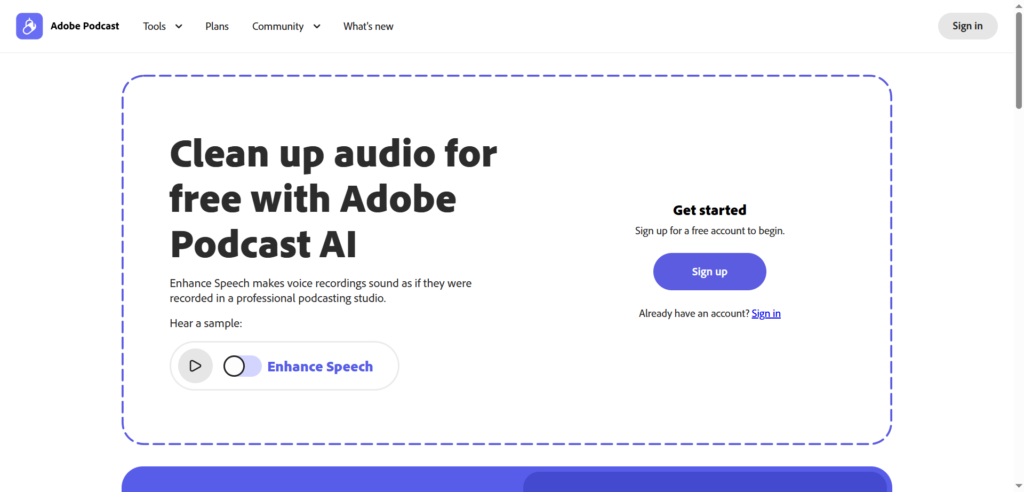
Auphonic handles a slightly different problem: loudness normalization and leveling. If one guest is significantly quieter than another, or your voice gets louder during excited moments and quieter when you’re thinking, Auphonic automatically balances it out to broadcast standards. It’s been around for years and remains a reliable workhorse. The free tier includes two hours of audio processing per month, which covers most solo podcasters.
Cleanvoice AI focuses on speech cleanup specifically. It detects and removes filler sounds, the “ums,” “uhs,” mouth clicks, and long silences that make recordings sound unpolished. You set thresholds for what gets removed and what stays. For interview podcasts where guests haven’t been coached on clean delivery, this cuts editing time meaningfully without making the conversation sound artificially chopped.
Krisp works differently from the others: it operates in real time during recording rather than as post-production. It runs as a virtual microphone and filters out background noise before it’s captured. This is particularly useful if you’re recording in a home office with unpredictable background noise or doing remote interviews where you can’t control the guest’s environment.
Recording platforms built for podcasters
Standard video call software wasn’t built for audio quality. Compression artifacts, network-dependent recording, and single mixed tracks make post-production harder than it needs to be. Purpose-built podcast recording platforms solve these problems with AI backing them up.
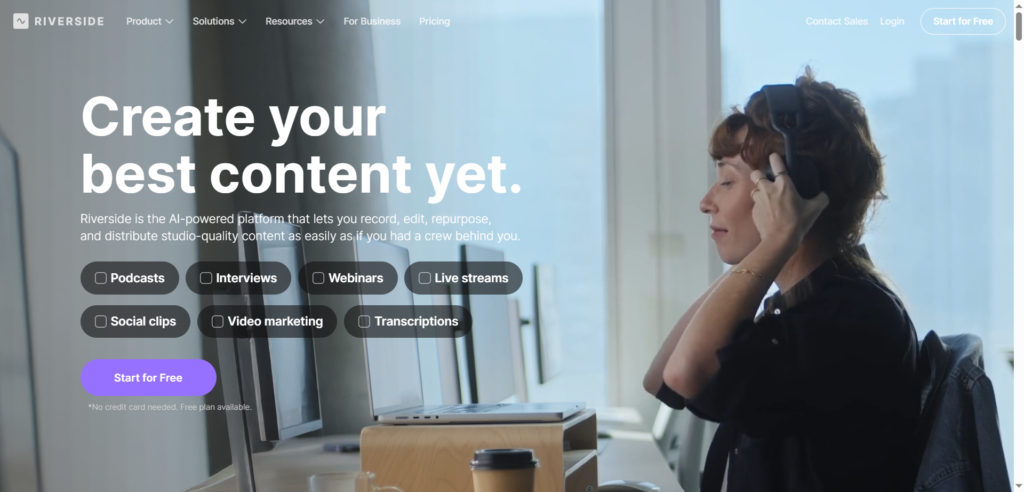
Riverside.fm records each participant locally on their own device and uploads the full-quality audio as a separate track. Even if the video call is choppy, the recorded audio is clean. The AI transcription starts generating during the recording itself, so by the time the session ends you already have a draft transcript. The platform also auto-generates clips and highlights, which cuts out one more post-production step.
Podcastle is a strong alternative, particularly for creators who want an all-in-one recording, editing, and enhancement environment. You can record solo or with up to ten remote guests, the AI handles noise removal and audio leveling automatically, and the text-based editor lets you clean up the recording without working in a traditional timeline. If you’re starting out and want a single tool that covers most of the workflow, Podcastle is worth testing before committing to a stack of separate tools.
| The AI-powered episode workflow | |
1 |
Record Use Riverside.fm or Podcastle to record remote guests with separate tracks. Each person’s audio is captured independently so bad connections don’t ruin your recording. |
2 |
Clean the audio Run through Adobe Podcast Enhance or Auphonic to remove background noise, balance levels, and make your voice sound studio-quality. Cleanvoice strips out filler words automatically. |
3 |
Edit by text Import cleaned audio into Descript. The transcript appears instantly. Delete text to remove sections, fix rambling, and cut dead air by editing the transcript like a document. |
4 |
Generate show notes and transcript Upload the final episode to Podsqueeze. In one click, get a full transcript, show notes, timestamps, chapter titles, an SEO blog post, and social captions. |
5 |
Repurpose into clips Let OpusClip or Descript auto-detect the strongest moments from the episode and cut them into short vertical clips ready for Instagram Reels, TikTok, and YouTube Shorts. |
Editing with text instead of waveforms
Descript is the most significant shift in how podcasters edit. The traditional approach to podcast editing is scrubbing through an audio timeline, identifying the parts you want to remove, cutting them, and stitching the rest together. It requires you to listen in real time and work with visual waveforms. Descript replaces that entire workflow with something most people already know how to do: editing text.
When you import audio into Descript, it transcribes the episode and displays the text synchronized with the waveform. You edit the transcript like a document: delete a sentence, that audio disappears. Move a paragraph, that section moves in the recording. Add filler word removal and silence trimming, and the software handles those passes automatically. A 45-minute episode that would take three hours to edit on a traditional timeline can be cleaned up in 30 to 40 minutes this way.
Descript also generates social clips automatically. It analyzes the episode, identifies moments with strong engagement potential, and cuts them into vertical format clips with captions. For podcasters who want social content from every episode but don’t have time to manually cut clips, this alone justifies the tool.
Show notes, transcripts, and content repurposing
Show notes used to be the task that everyone dreaded and half the time didn’t finish properly. Writing a useful set of show notes from memory after a recording session takes real effort and never comes out as good as it would if you’d done it immediately after. AI solves this by generating everything directly from the audio.
Podsqueeze is one of the most practical tools in this category for podcasters specifically. You upload an episode or connect your RSS feed and it generates a full transcript, show notes in your preferred format, timestamps, chapter titles, a keyword-optimized blog post, and social captions for multiple platforms. The output is solid enough to publish with light editing rather than a full rewrite. For shows that have been producing content for years, Podsqueeze also works retroactively on back catalog episodes, which is useful if you’ve been neglecting show notes or want to improve SEO on older content.
Otter.ai covers the transcription side at a higher volume. If you’re transcribing a lot of content, recording interviews for later use in written content, or doing research conversations that need to become text, Otter’s real-time transcription and speaker labeling is fast and accurate. It integrates with Zoom, Teams, and Google Meet, which means transcripts can start generating automatically during scheduled calls without you having to do anything differently.
| Manual podcast production vs AI-assisted production | |
| Without AI tools | With AI tools |
| Audio cleanup: 30 to 60 min in Audacity or GarageBand manually removing noise | Adobe Podcast or Auphonic: under 5 minutes for broadcast-quality enhancement |
| Editing: 2 to 4 hours scrubbing through a timeline to cut mistakes and pauses | Descript text editing: 30 to 45 minutes reading and deleting from a transcript |
| Transcription: $1 to $3 per minute with a human service, or 2 hours of manual typing | AI transcription in 2 to 5 minutes at near-human accuracy, often included in tools you’re already using |
| Show notes: 45 to 90 minutes writing from memory or relying on notes taken during recording | Podsqueeze: full show notes, timestamps, and chapter titles in one click from the audio |
| Social clips: manually scrubbing to find moments, then editing each one for vertical format | OpusClip or Descript auto-detects highlight moments and generates captioned vertical clips |
Social clips and content multiplication
Getting more distribution from each episode you record is one of the best ways to grow a podcast without producing more content. Short-form clips on TikTok, Instagram Reels, and YouTube Shorts function as trailers that send people back to the full episode. The challenge is that cutting good clips manually takes time and requires judgment about what will perform well.
OpusClip uses AI to analyze your video or audio and identify the moments with the highest engagement potential. It then cuts those segments, adds animated captions formatted for vertical video, and outputs clips ready to post. You can review and select which ones to use, but the heavy lifting is automated. For podcasters recording video alongside audio, this turns each episode into five to ten social assets without additional production work.
Descript does a version of this too if you’re already using it for editing. The automatic clip generation analyzes the episode after your edit is complete and surfaces highlight moments from the final version, which means the clips are drawn from the cleaned, edited audio rather than the raw recording.
Voice synthesis and AI-generated intros
ElevenLabs has become the dominant voice synthesis tool, and it’s increasingly relevant for podcasters who want to add professional-quality voiceover to their episodes without hiring a voice actor or re-recording every time something changes. You can clone your own voice and use it to generate ad reads, intro narration, or segment transitions from text. For shows with sponsors, this makes re-recording a tag or updating a read as simple as typing new text.
It’s worth being transparent with your audience if you use AI voice for any significant portion of your content, but for production elements like intro narration or sponsor transitions, most listeners don’t distinguish between a voice actor and a high-quality AI voice at this point.
Building your stack without overcomplicating it
You don’t need all of these tools. You need the ones that solve your actual time problems. A practical starting stack for most podcasters looks like this: use Riverside.fm or Podcastle for recording, Adobe Podcast Enhance for audio cleanup, Descript for editing, and Podsqueeze for show notes and social content. That covers the full production workflow and cuts average episode production time by three to four hours compared to manual methods.
Add Cleanvoice if filler word removal is important for your show format. Add OpusClip if you’re committed to a regular social clip cadence. Add ElevenLabs if you have a high volume of voiceover work. The tools work well independently, and most of them integrate directly with each other, so adding one to an existing workflow doesn’t require rebuilding anything.
The creators getting the most from AI tools for podcasters are treating them as a production system rather than a collection of features. That means defined steps, consistent prompts, and human review before publishing. AI shortens the path from recording to finished episode. Your editorial judgment is still what determines whether that episode is actually worth listening to.