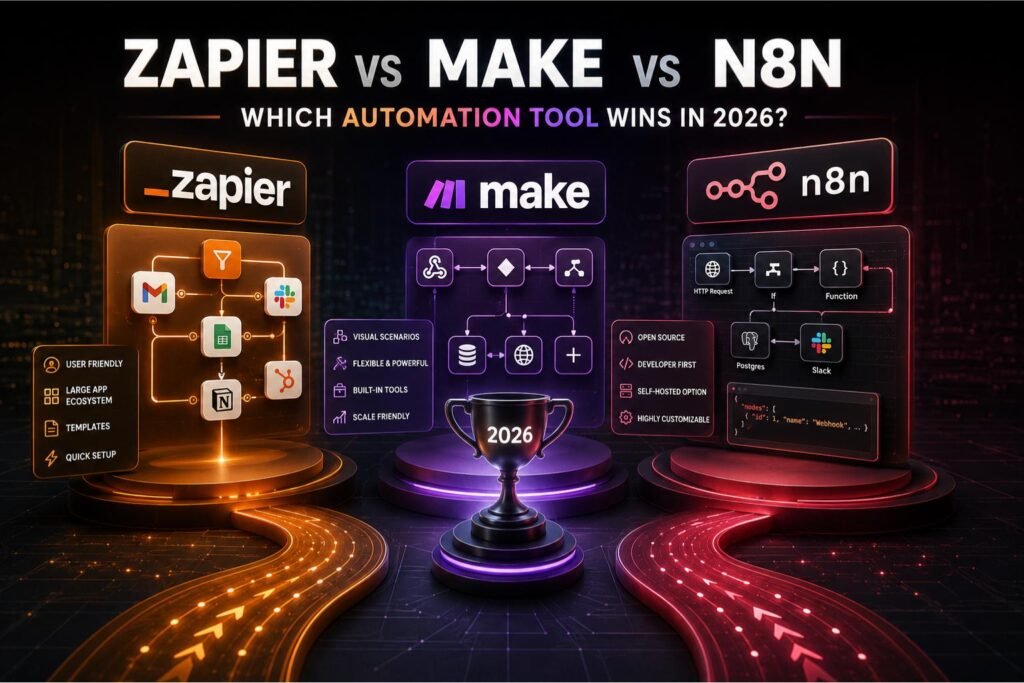
- Zapier is the easiest to start with. 8,000+ integrations, true no-code, but it gets expensive fast at scale.
- Make costs less and handles complexity better than Zapier. The visual canvas is genuinely good once you get used to it.
- n8n is free if you self-host and has the deepest AI tooling of the three. It asks more of you technically.
- Most teams start on Zapier, move to Make when the bill spikes, then consider n8n when they want full control.
- All three connect to LLMs now, but n8n’s LangChain integration is in a different league for serious AI automation.
You’ve decided to automate. You open a browser tab, search “best workflow automation tool,” and immediately hit a wall of comparison articles that all somehow recommend everything equally. Zapier is great. Make is great. n8n is great. Thanks, really narrows it down.
Here’s what those articles won’t say: these three tools are genuinely different, and the right one depends almost entirely on your situation. Technical background, team size, workflow complexity, and what you’re willing to pay at volume — these factors determine the answer. I’ll be direct about it.
What these tools do
Zapier, Make, and n8n are workflow automation platforms. They connect apps so that when something happens in one place, actions fire somewhere else. A new row in Google Sheets triggers a Slack message. A form submission creates a HubSpot contact and sends a welcome email.
What changed recently is that all three moved into AI territory. Workflows can now make decisions, generate content, or interpret data rather than just shuffle it around. That’s what’s driven most of the interest in this category over the last two years.
All three platforms connect to OpenAI, Claude, and Gemini. But “AI-connected” and “AI-native” are not the same thing. That distinction comes up a lot below.
Zapier: why it’s still the default
Zapier is where most people start, and that’s not accidental. Over 8,000 app integrations — more than any other platform here — and you can build your first working automation in under 15 minutes without reading a doc. Pick a trigger, pick an action, connect your accounts. Done.
For teams with no technical resources, that matters. A marketing manager can set up lead nurturing sequences without going near IT. A solopreneur can connect their intake form to their CRM in an afternoon. The accessibility is real.
The catch is pricing. Zapier charges per task — every action a workflow runs counts against your monthly total. At low volume that’s fine. At 50,000+ tasks per month you’re looking at $300 to $600 depending on your plan, and it compounds fast if you’re running multiple automations across a team. Most people don’t hit this immediately. They hit it eventually.
On AI: Zapier launched Agents in 2025, which can execute tasks across connected apps from a plain-English goal. Useful for simple delegation. For anything requiring multi-step reasoning or persistent memory, it runs out of road quickly.
| Feature | Zapier | Make | n8n |
|---|---|---|---|
| Best for | Non-technical teams, quick setup | Mid-complexity workflows, budget-conscious teams | Developers, AI-heavy workflows, data compliance |
| Integrations | 8,000+ | 3,000+ | 500+ native + custom via code |
| Free plan | 100 tasks/month (very limited) | 1,000 ops/month | Free forever (self-hosted) |
| Starting price | ~$20/month | $9/month | $20/month cloud (or free self-hosted) |
| Technical level | Beginner | Beginner to intermediate | Intermediate to advanced |
| AI capabilities | Zapier Agents (accessible) | Make AI Agents (intermediate) | Native LangChain, multi-agent (advanced) |
| Self-hosting | No | No | Yes (free, open source) |
Make: cheaper, more capable, harder to read at first
Make (previously Integromat) sits between Zapier and n8n. The visual scenario builder is genuinely one of the better interfaces for complex workflow logic — you see all your modules and connections laid out like a diagram, which makes multi-branch conditional workflows far easier to follow than Zapier’s linear layout.
Pricing is where Make wins most clearly. It charges per operation rather than per task, and filters and conditional branches within a scenario don’t add to your bill the same way they would on Zapier. Teams doing similar work at similar volume often pay 3 to 5 times less on Make. That’s why so many people migrate once Zapier’s costs start to bite.
Make added AI Agents in 2025, and the integration with OpenAI, Claude, and Gemini is solid for content generation, summarization, and classification mid-scenario. It’s not as deep as n8n’s AI tooling. But for most marketing and operations workflows it covers what you actually need — content repurposing pipelines, lead qualification with AI scoring, that sort of thing.
Make’s operation counting trips people up. A 5-step scenario that runs 1,000 times is closer to 5,000 operations, not 1,000. Build a test scenario and check the operation estimator before you pick a plan.
n8n: the most powerful option, and the most demanding
n8n is open source and can be self-hosted for free. That one fact changes the economics entirely for high-volume teams. No per-task fees. No per-operation charges. Your only cost is the server, which for a small deployment runs $5 to $20 a month on a VPS.
The AI capabilities are genuinely in a different class. n8n has native LangChain integration with nearly 70 dedicated AI nodes — you can build multi-agent workflows that chain different AI models together, maintain memory across runs, and route decisions through reasoning chains. Zapier and Make connect to AI APIs. n8n lets you orchestrate them. That’s a real distinction.
The tradeoff is real. n8n requires you to understand webhook configuration, JSON data structures, and how nodes pass data between them. Someone new to automation will find it hard going. For teams without a technical person on staff, that’s a genuine blocker. For anyone with basic development experience, the documentation is solid and the community forum is active enough that most problems have already been solved there.
If you need AI agents, data privacy controls, or high execution volume at low cost, n8n is the right answer. If none of those apply, it’s probably more than you need right now.
Which tool should you start with?
Start with Zapier if…
| Start with Make if…
| Start with n8n if…
|
What you actually pay at different volumes
These platforms charge on different units, which makes any pricing comparison slippery without actual numbers. Here’s what it looks like at three realistic monthly volumes.
At 5,000 automated actions per month, cost isn’t the deciding factor. All three are affordable, and you should pick based on what fits your team technically, not what saves you $10 a month.
At 50,000 actions monthly, the gap opens up fast. Zapier’s Professional plan runs $150 to $250 depending on workflow complexity. Make handles the same volume for $16 to $29. n8n self-hosted: server costs only, typically $10 or less. This is the volume where most teams start seriously looking at alternatives to Zapier.
Push past 200,000 actions per month and Zapier becomes hard to justify for smaller teams. Make stays manageable. n8n’s self-hosted cost barely moves — which is its single strongest argument for high-throughput work.
Estimated monthly cost by usage volume
| Volume | Zapier | Make | n8n (self-hosted) |
|---|---|---|---|
| 5,000 actions/month | ~$20 | ~$9 | ~$5 (server) |
| 50,000 actions/month | ~$200 | ~$25 | ~$10 (server) |
| 200,000 actions/month | ~$600+ | ~$65 | ~$20 (server) |
Estimates based on published 2025 pricing. Actual costs vary with plan features and workflow complexity.
The AI gap is real, and wider than it looks
All three platforms added AI features. They are not equivalent, and the difference grows the moment you need more than a single LLM call in a workflow.
Zapier’s AI is accessible and genuinely useful for a narrow set of tasks: natural language workflow creation, AI-assisted Zap suggestions, Agents for simple task delegation. If you want AI filtering on your Gmail inbox or an agent to respond to a specific type of customer inquiry, Zapier gets you there without any setup friction. That’s a real advantage. It’s also AI at the edges of a workflow rather than at the center.
Make sits a level deeper. Connecting GPT-4, Claude, or Gemini mid-scenario for content generation, summarization, or classification is straightforward, and the visual builder makes AI-integrated workflows easier to reason about than Zapier’s linear format. For most marketing and operations teams, this is enough.
n8n is where it gets serious. Native LangChain integration with nearly 70 dedicated AI nodes means you can build a research agent that pulls from multiple sources, passes content to different models for analysis, remembers previous runs, and routes decisions based on what those models return. That’s multi-model orchestration. If you’re building AI-powered marketing workflows that need reasoning rather than just generation, n8n is where the real capability lives.
Four things people get wrong
“n8n is free, so it’s obviously the best choice.” Free to license, yes. Not zero-effort. You need a server, some technical comfort, and the willingness to handle your own maintenance. For non-technical users, the time cost is real and usually worth more than the $20/month they’d spend on Make or Zapier.
“Zapier’s 8,000 integrations means it can connect anything.” The catalog is wide, but many apps have only basic trigger-action support, not full API access. If you need something specific beyond the pre-built actions, you’ll hit walls. All three platforms support custom HTTP requests for anything not natively covered.
“Make is just a cheaper Zapier.” The visual scenario builder changes how you think about complex workflow design. It’s a different approach, not a cost-cut version. For multi-branch conditional workflows, many people find Make’s canvas more intuitive than Zapier’s linear format regardless of price.
“You need to pick one and stick with it.” Plenty of teams run all three. Zapier for quick integrations with niche apps, Make for complex scenarios, n8n for AI-intensive work. The right choice is using what fits the job.
Which one to use
New to automation and want something working today: Zapier. The free plan is minimal but enough to learn on. You’ll find out fast whether automation actually fits your workflow.
Already past the basics and watching the Zapier bill climb, or building something with conditional logic from the start: Make. Most people are comfortable in the canvas within a few hours, and the cost difference at any real volume is large enough to justify the switch.
Building AI agents, handling sensitive data that can’t leave your infrastructure, or running high-volume workflows where per-task billing stops making sense: n8n. The initial setup takes longer. Once you’re past it, nothing else on this list comes close on capability per dollar. The n8n documentation is thorough, and most problems have already been solved in the community forum.
Most teams end up moving through all three as their needs grow — Zapier first, then Make when the cost becomes an issue, then n8n when they need something the other two can’t do. That’s a fine path. Just know you’re on one.