
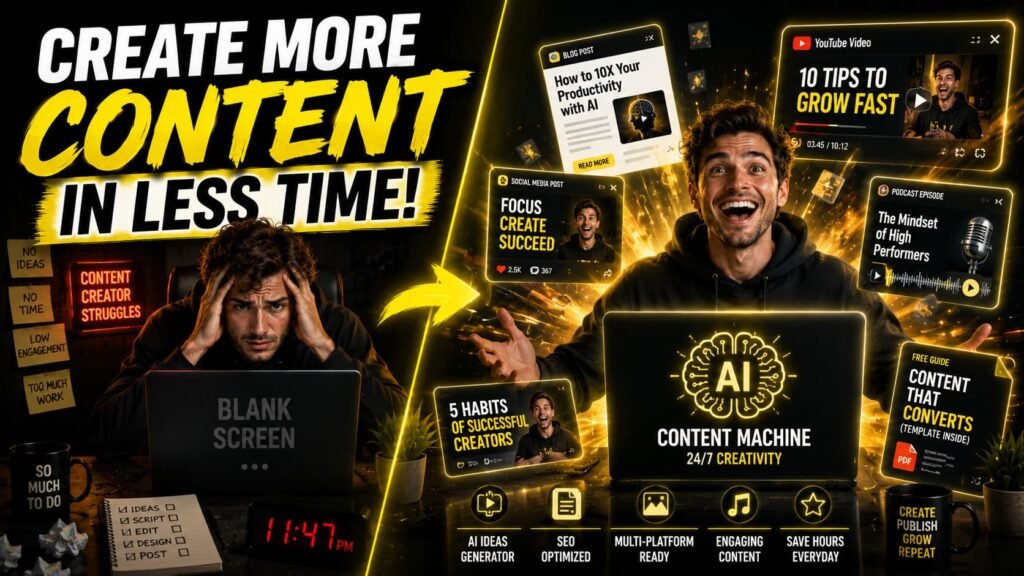
If you’re still doing everything by hand — writing scripts, editing videos, designing thumbnails, scheduling posts — you’re leaving a lot of time on the table. AI tools for content creators have gotten seriously good in the past couple of years, and the gap between creators who use them and those who don’t is starting to show.
This isn’t about replacing your creativity. It’s about cutting the boring parts in half so you can actually focus on the stuff that makes your content worth watching, reading, or sharing. Whether you run a YouTube channel, a blog, a newsletter, or a social media presence, there’s probably an AI tool that can shave hours off your week.
Here’s a breakdown of the best ones across every part of the content creation process, with honest notes on what each does well and who it’s actually built for.
What to look for in an AI content creation tool
Before jumping into the list, it’s worth knowing what separates a useful tool from one that sounds impressive in a product demo but frustrates you in real use.
The best AI tools for content creators are ones that fit your existing workflow, not ones that force you to rebuild everything around them. You want tools that produce output you can actually use without 20 rounds of editing, that don’t require a steep learning curve, and that have pricing that makes sense for a solo creator or small team.
Speed matters too. If a tool takes 10 minutes to process a video when a simpler tool does it in 2, that’s a real cost. Keep that in mind as you explore.
The best AI tools for content creators in 2026
1. ChatGPT (OpenAI)
Still the most versatile AI writing tool out there. ChatGPT is useful for drafting scripts, repurposing blog posts into social captions, brainstorming ideas, and responding to comments in bulk. The GPT-4o model handles long-form content well and understands nuance better than most tools at this price point.
Best for: Writers, bloggers, and anyone who needs a fast thinking partner for ideation and first drafts.
Pricing: Free tier available. ChatGPT Plus at $20/month.
2. Claude (Anthropic)
Claude is a strong alternative to ChatGPT, especially for longer documents. Its context window handles full blog posts, detailed outlines, and multi-step instructions without losing track. The writing tends to feel more natural and less templated, which matters when you’re publishing under your own name.
Best for: Long-form content creators, newsletter writers, and anyone tired of AI output that sounds like it came from a press release.
Pricing: Free tier available. Claude Pro at $20/month.
3. Descript
Descript is one of those tools that genuinely changes how you work once you try it. You upload your video or podcast, it transcribes everything, and then you edit the transcript like a Word doc. Cut a word from the text and it cuts it from the video. It also has AI overdub for fixing audio mistakes without re-recording.
Best for: Podcasters and video creators who spend too much time in a traditional timeline editor.
Pricing: Free plan with limits. Creator plan starts at $12/month.
4. ElevenLabs
ElevenLabs produces the most realistic AI voiceovers available right now. You can clone your own voice or choose from a library of pre-made voices. For faceless content creators, this is a major unlock. Script goes in, finished narration comes out, with emotion and pacing that actually sounds like a person.
Best for: Faceless YouTube channels, explainer videos, and any creator who doesn’t want to record themselves.
Pricing: Free tier (limited monthly characters). Starter plan at $5/month.
5. Midjourney
For visual content, Midjourney is still the gold standard for quality. It’s not the easiest to learn, but once you understand how prompting works, you can generate thumbnails, concept images, and social media visuals that would cost hundreds of dollars from a designer.
Best for: Creators who need original visuals and have a bit of patience to learn the prompting curve.
Pricing: Basic plan at $10/month.
6. Canva AI
Canva added AI features across its platform and they’re genuinely useful. Magic Write generates text, Magic Design builds layouts from a prompt, and the background remover works better than most standalone tools. If you’re already using Canva for graphics, the AI features are a natural add-on rather than a new workflow to learn.
Best for: Social media managers and creators who need polished graphics without a design background.
Pricing: Free plan available. Pro at $15/month.
7. Opus Clip
You give Opus Clip a long-form video and it identifies the best 30 to 90 second segments, adds captions, and formats them for short-form platforms. The AI is reasonably good at finding moments with energy and emotional pull rather than just cutting at random. It saves serious time for creators repurposing YouTube content into Reels and Shorts.
Best for: YouTubers and long-form video creators who want to grow on TikTok, Instagram, and Shorts without spending hours in editing software.
Pricing: Free plan available. Pro starts at $15/month.
8. Notion AI
If you already use Notion to manage your content calendar, Notion AI is a seamless add-on. It summarizes notes, drafts content briefs, fills in your editorial calendar, and helps you think through ideas without switching tabs. It’s not a standalone writing powerhouse, but for organization-heavy creators it’s a real time saver.
Best for: Creators with complex content systems who want AI built into their planning workflow.
Pricing: $10/month add-on on top of any Notion plan.
9. Kling AI and RunwayML
Video generation is still evolving but Kling AI and Runway are the two most consistent options for AI-generated video clips. Runway’s Gen-3 Alpha model handles short motion sequences well, and Kling has been producing impressive results for B-roll-style content. Neither is ready to replace your main footage but they’re useful for intros, transitions, and short visual moments.
Best for: Creators who need supplemental video footage without a camera or stock footage budget.
Pricing: Both have free tiers. Runway starts at $15/month, Kling’s paid plans vary.
10. Buffer AI Assistant
Buffer’s built-in AI assistant helps you write and repurpose social captions across platforms. Give it a blog post URL and it generates platform-specific captions for Twitter, LinkedIn, and Instagram. It’s not the most powerful AI writer, but it’s useful when you need quick variations and you’re already scheduling from Buffer.
Best for: Social media managers and creators who schedule content through Buffer.
Pricing: Included in Buffer’s Essentials plan at $6/month.
How to build an AI-assisted content workflow
Having 10 tools is not the goal. The goal is having 3 or 4 that cover the biggest friction points in your workflow. For most content creators, those friction points are: coming up with ideas, writing first drafts, editing audio and video, and turning one piece of content into five.
A simple stack that works for a lot of creators:
- ChatGPT or Claude for ideation and writing
- ElevenLabs for voiceovers (if faceless) or Descript for editing recorded content
- Opus Clip or Runway for short-form repurposing
- Canva AI for graphics
- Buffer for scheduling
That’s a complete content operation with a fraction of the manual effort. You don’t need more than that to get started.
A few honest caveats
AI tools for content creators are not a shortcut to quality. They’re a shortcut to volume, and volume without quality doesn’t build an audience. The best use of these tools is to get you to a first draft faster so you have more time to refine, not to skip the refinement entirely.
Most AI tools also have a noticeable house style if you don’t actively edit the output. ChatGPT has its patterns. Midjourney has its aesthetic. ElevenLabs has certain voice tendencies. Your job as a creator is to push past the default output and make it yours.
Wrapping up
The best AI tools for content creators right now aren’t the flashiest ones. They’re the ones that actually slot into your day without requiring you to rebuild your system from scratch. Start with one or two that solve your biggest bottleneck, get comfortable, then expand from there.
The creators winning with AI aren’t necessarily using more tools. They’re using the right ones consistently and spending the time they save on the creative decisions that actually matter.