
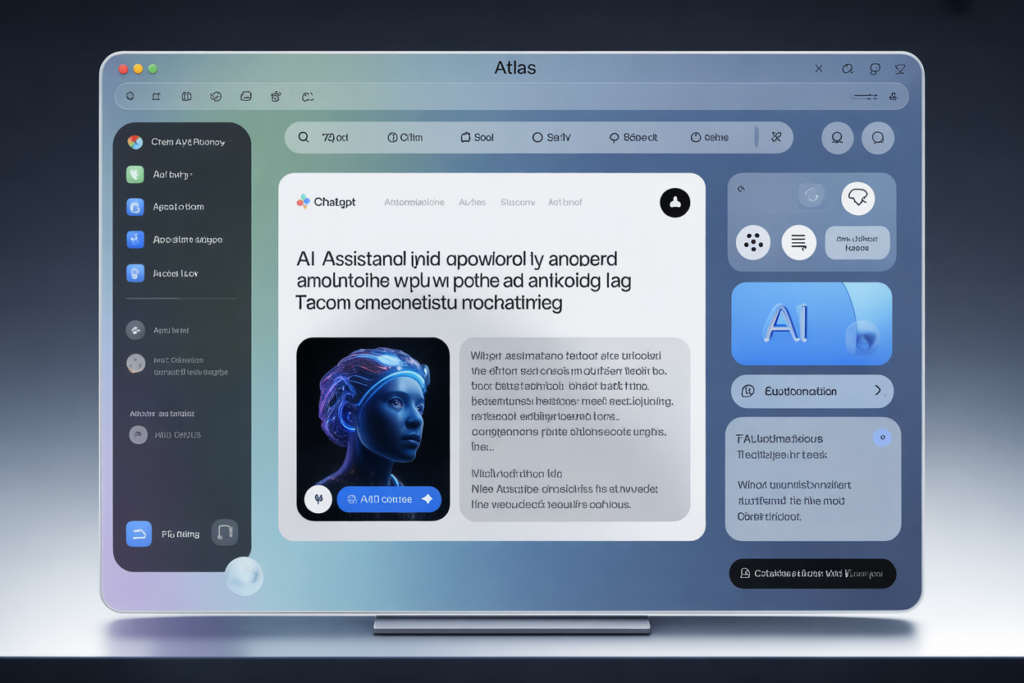

OpenAI launched ChatGPT Atlas on October 21, 2025. It’s a new web browser built around ChatGPT and designed to change how you browse, search, and get things done online.
Atlas is available now on macOS globally, with Windows, iOS, and Android releases coming soon. It supports a feature called Agent Mode (in preview for paid users), letting ChatGPT perform web tasks like booking, comparing, or filling forms on your behalf.
What ChatGPT Atlas offers
AI built into browsing
Atlas is built on Chromium, so it supports Chrome extensions and web standards. While you browse, you’ll find a ChatGPT sidebar (or “Ask ChatGPT” interface) that can summarize pages, help you rewrite text, translate, or answer questions about what’s on your screen.
Instead of copying content from a webpage into ChatGPT, Atlas lets you ask for help directly in place.
Agent Mode: automation at work
One of the standout features is Agent Mode. If you allow it, ChatGPT can take steps on your behalf: open tabs, click buttons, fill forms, compare products, or plan things like trips.
This mode is in preview and available for Plus, Pro, and Business users on launch.
Atlas adds security guardrails: it will pause before acting on sensitive sites, won’t install extensions or access your computer’s file system, and you control what it can remember or see.
Personalization & memory
Atlas has a “browser memories” feature. If you turn it on, ChatGPT can remember things you browse or key insights. That history helps it give smarter responses later.
But you stay in control. You can delete individual memories, clear all, browse in incognito mode, or disable memory on specific sites. OpenAI says your browsing isn’t used to train models unless you opt in.
Search reimagined
Search in Atlas leans conversational first. When you ask something, ChatGPT’s answer appears above. You can also switch to tabs for web links, images, news, or video.
Surprisingly, Atlas uses Google’s index under the hood in many cases for retrieving results.
Why it matters
Atlas pushes OpenAI deeper into users’ daily digital lives. By making ChatGPT integral to browsing, it reduces the friction between finding information and acting on it.
It also pressures Google. Chrome dominates the browser market. If people adopt an AI-centric tool, the way we search could shift from link lists to conversational responses.
For creators, professionals, or anyone who uses the web heavily, Atlas offers a faster path to insights and productivity. You might go from research to draft visuals or orders without leaving the browser.
Challenges & risks
Accuracy & hallucination
Like all AI chat systems, ChatGPT can hallucinate or produce incorrect info. If Agent Mode acts on that, errors could compound.
Privacy & data use
Because Atlas interacts with your browsing behavior, people worry about how data is stored or used. OpenAI says users control memory, and by default data is not used to train models unless opted in. Still, adoption depends on trust.
Platform rollout & user choice
Atlas starts on macOS only. Windows and mobile users will wait. Getting people to switch from Chrome or Safari is a tall task.
Automation burdens
Agent Mode is powerful but complex tasks may fail. Early tests of AI agents from other products reveal limitations, especially with unpredictable websites or complex logic.